SSH Module for Service Management Automation
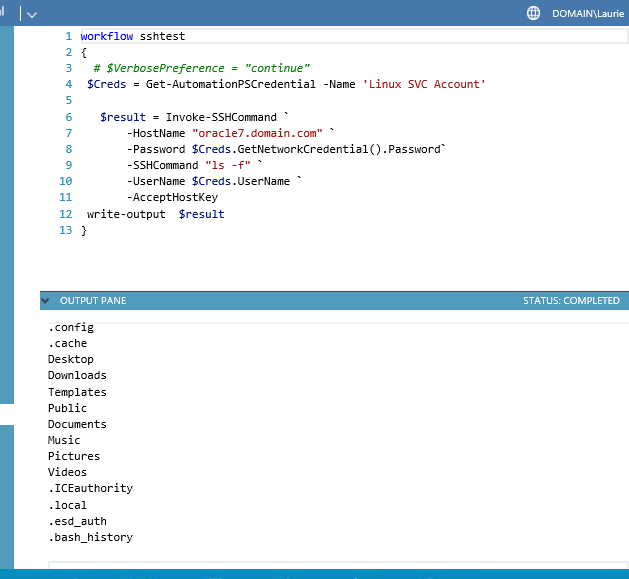
This module is reworked from the version posted by Eamon O’Reily on the technet gallery.
Powershell related code snippets
This module is reworked from the version posted by Eamon O’Reily on the technet gallery.
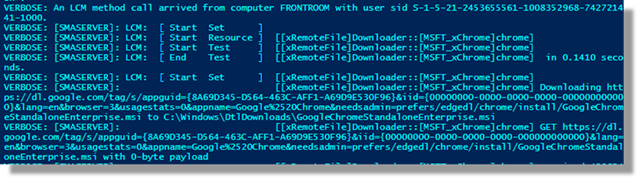
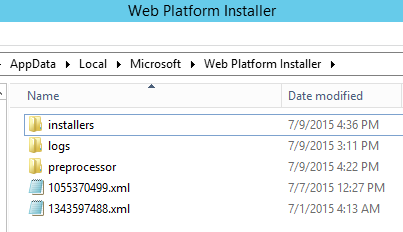
Microsoft’s Web Platform installer provides the ability of installing web based components onto Windows Platforms. The technology is simple to use and works well when a machine has access to the internet. When the machine being installed don’t have access to the internet the installer becomes a problem.
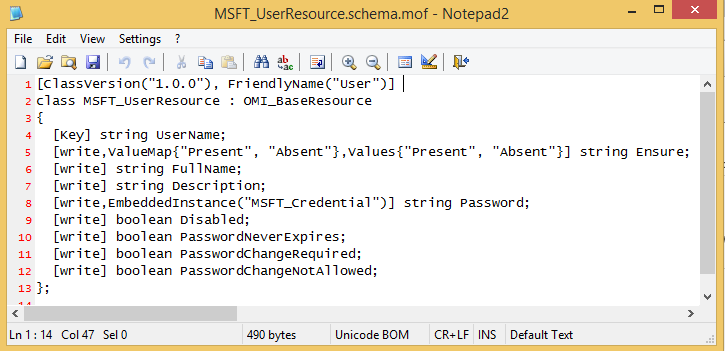
PowerShell’s Desired State Configuration allows for routines or classes to be run on remote machines by passing a text based “properties” object to the destination end-node. There are a growing number of Microsoft supplied “classes” and importantly, the framework allows for custom development of additional objects.
MOF Files define the inputs to the class that will be run remotely.
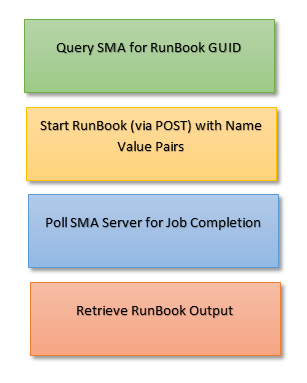
In a previous example, I gave an example of running a simple Service Management Automation runbook using REST. This blog demonstrates how to retrieve output from a called runbook by using platform independent REST calls against the SMA Server.
Four steps exist in obtaining the output from an SMA Runbook:
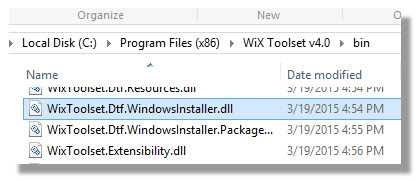
Jason Ginchereau is responsible for the creation of the Windows Deployment Toolkit which is incorporated into WIX. The toolkit provides extensions for PowerShell to access Windows Installer databases with managed code. Current releases can be downloaded from: http://wixtoolset.org/releases/
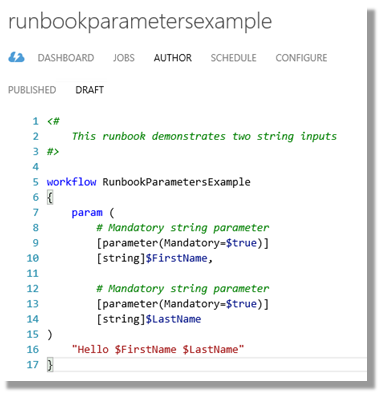
Service Management Automation Runbooks are PowerShell workflows. Workflows allow parameters to be passed in at the time of execution and are essential to any infrastructure automation.
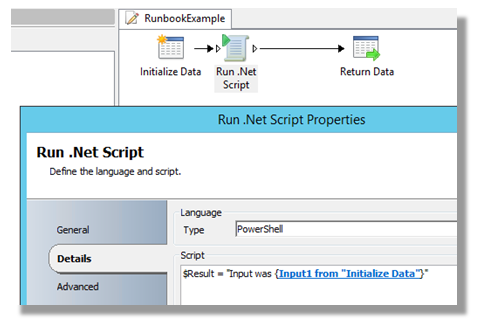
This example uses PowerShell to call an Orchestrator runbook and display the results.

To demonstrate the scripting, I have created a simple runbook that will accept a string input. It’s titled “Input1”.
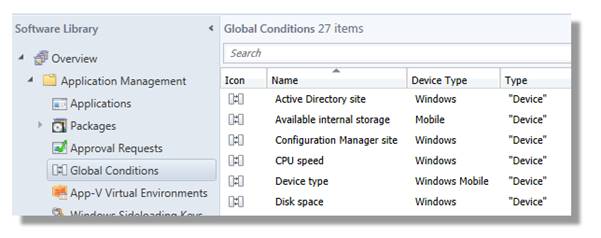
I’ve written a fair bit about automating SCCM application creation by script. Most of this has originated from the need to use Enhanced Detection Methods for determining when Applications are installed as I know from many years of Application Packaging that unless an official “package” produces a standard file or registry based flag when it’s installed, it becomes impossible to tightly manage a software environment.
The code snippet below is an example of how to recursively list all of the requirements that have been set against SCCM Applications within an environment.